
Guides · TikTok
How to Caption a TikTok Video for Free
Add captions to a TikTok video online for free. Generate automatic word-timed subtitles, style them, and export an MP4 ready to post.
By Caption-Lagao · Updated 2026-09-03 · 3 min read
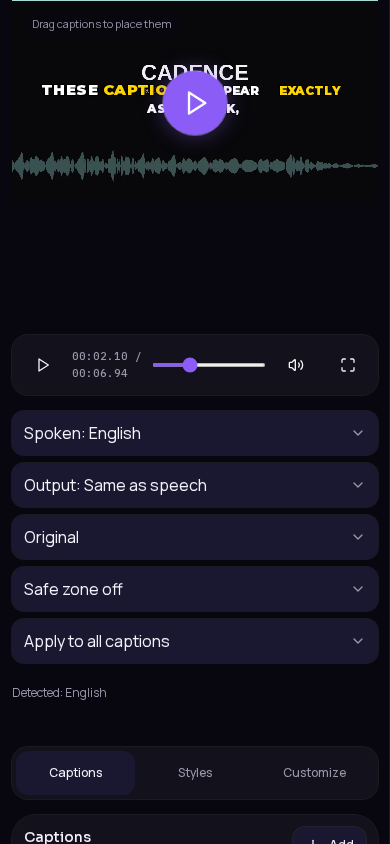
Most TikTok views happen on mute. Captions for TikTok videos need to be large, timed to speech, and burned into the MP4 so they still show if someone saves or reposts the clip.
You can add captions to video online with Caption-Lagao — a free AI video caption generator. No watermark, no account required.
A 60-second workflow
- Export or save your TikTok draft as MP4.
- Drop it on the Caption-Lagao create page.
- Generate captions. Wait for word-timed subtitles.
- Set the canvas to 9:16 if it is not already vertical.
- Keep captions above TikTok’s bottom UI (username, buttons, captions bar).
- Export a captioned MP4 and upload it as your TikTok.
What makes TikTok captions readable
- Two lines max. Cut long sentences into beats.
- High contrast: light text with a dark plate, or a karaoke highlight.
- Leave the lower ~18% of the frame empty so TikTok chrome does not cover words.
- Roman Urdu works well on TikTok because viewers can read it at speed.
Generate captions on your clip
Upload stays on this device. Export a burned-in MP4 and SRT with no watermark. No account required.