
Guides · Roman Urdu
How to Add Roman Urdu Captions to a Video
Add Roman Urdu captions to a video for free. Caption-Lagao transcribes Urdu speech into Latin-alphabet captions and keeps English words in English.
By Caption-Lagao · Updated 2026-09-03 · 4 min read
Roman Urdu is Urdu written in the Latin alphabet — the way most Pakistani and Indian creators type in chats, comments, and Reels. If your video is spoken in Urdu, viewers who watch on mute still need those words on screen in a script they can read quickly.
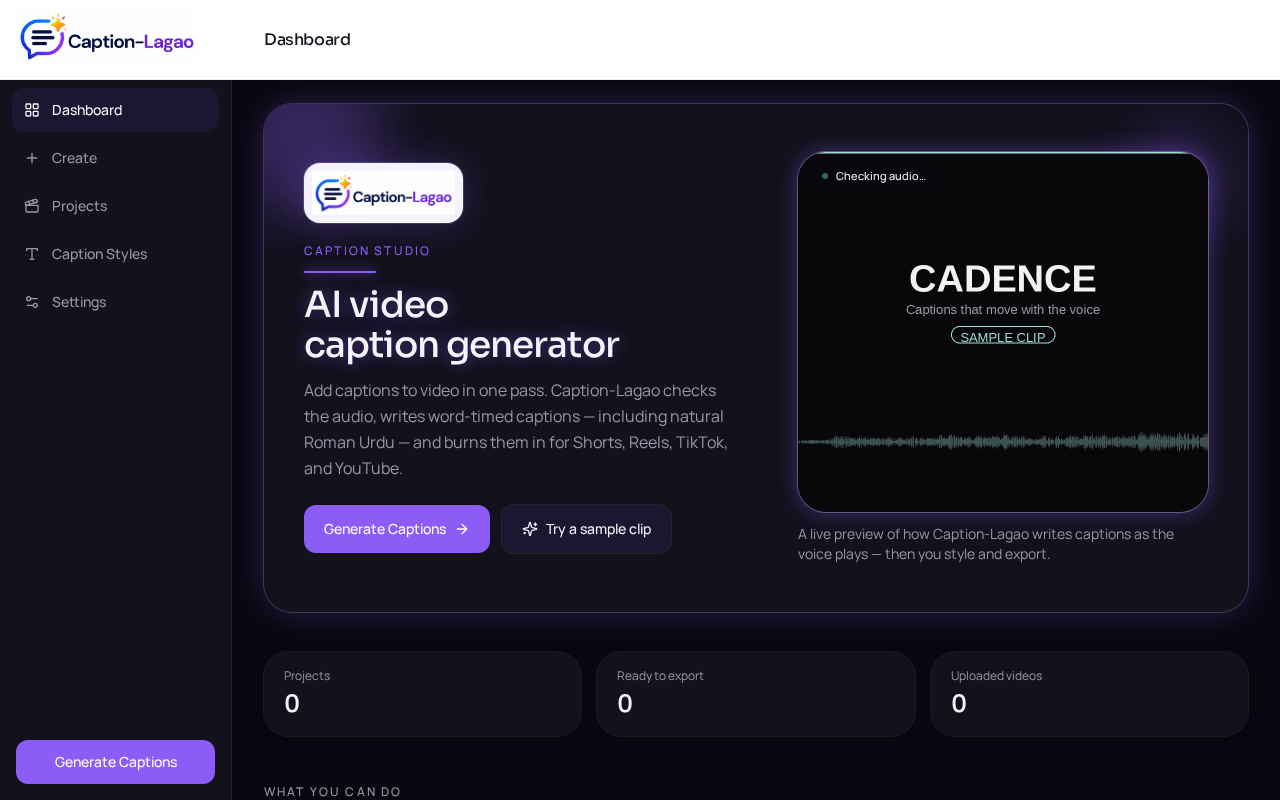
Caption-Lagao is a free caption generator that supports Roman Urdu and word-timed captions for short-form videos. Upload the clip, generate captions, and export a burned-in MP4.
What Roman Urdu captions look like
kaisay ho, kya haal hai
aj ki video bohot simple hai
follow for more tips
English words stay English. Numbers and everyday mix stay as people say them. You should never get Hindi Devanagari or Arabic-script Urdu on a Reel unless you choose that output on purpose.
Steps
- Open Caption-Lagao and upload an MP4, MOV, or WEBM. The video stays on your device.
- Tap Generate captions. Speech is transcribed with word timestamps.
- Choose Roman Urdu as the caption output if it is not already selected.
- Check mixed lines (Urdu + English + numbers). Fix any word that should stay English.
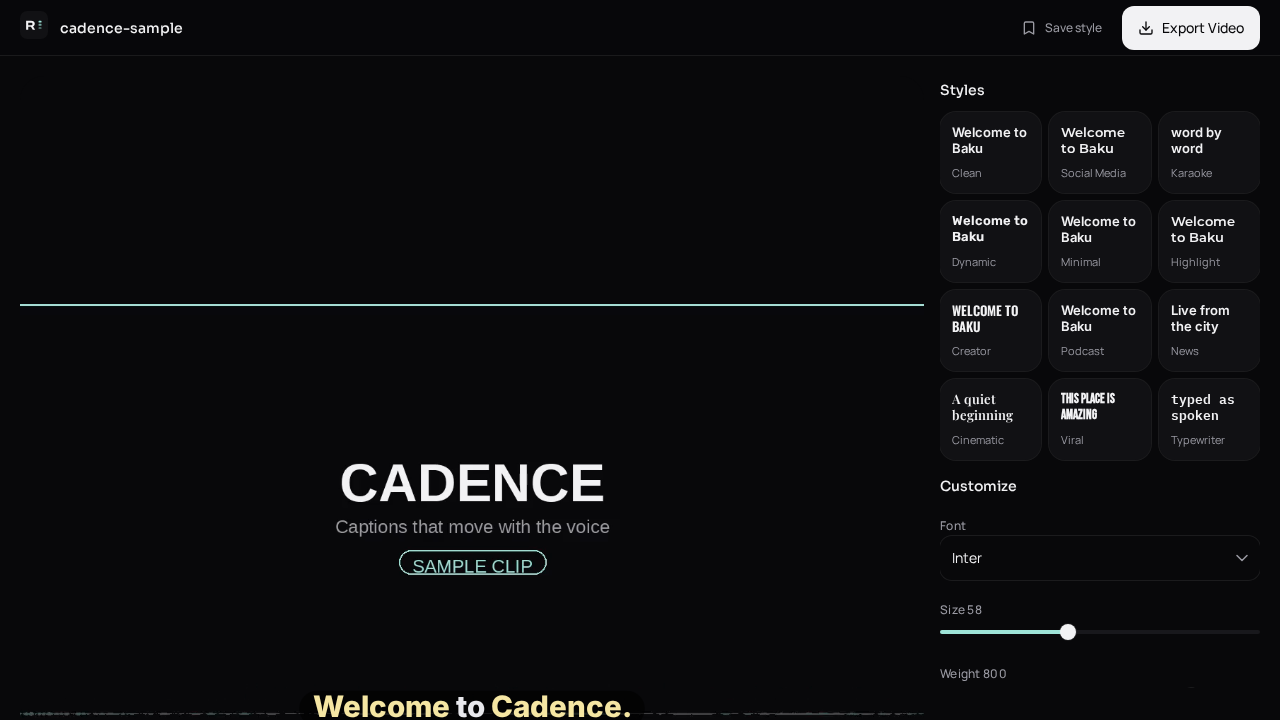
- Pick a caption style, place the text in the 9:16 safe zone, then export MP4 and SRT.
Tips for Urdu + English mix
- Keep brand names, app names, and English slang in English.
- Write casual spellings the way your audience types (kaisay, nahi, bohot).
- If a clip has maths or numbers, keep digits on screen — don’t spell them out unless you said them that way.
- Read the captions once on mute. If a line feels like a translation instead of how you spoke, edit it.
Generate captions on your clip
Upload stays on this device. Export a burned-in MP4 and SRT with no watermark. No account required.