
Guides · Placement
Best Caption Placement for 9:16 Videos
Where to put captions on Reels, Shorts, and TikTok so they stay readable over UI, faces, and product shots.
By Caption-Lagao · Updated 2026-09-03 · 3 min read
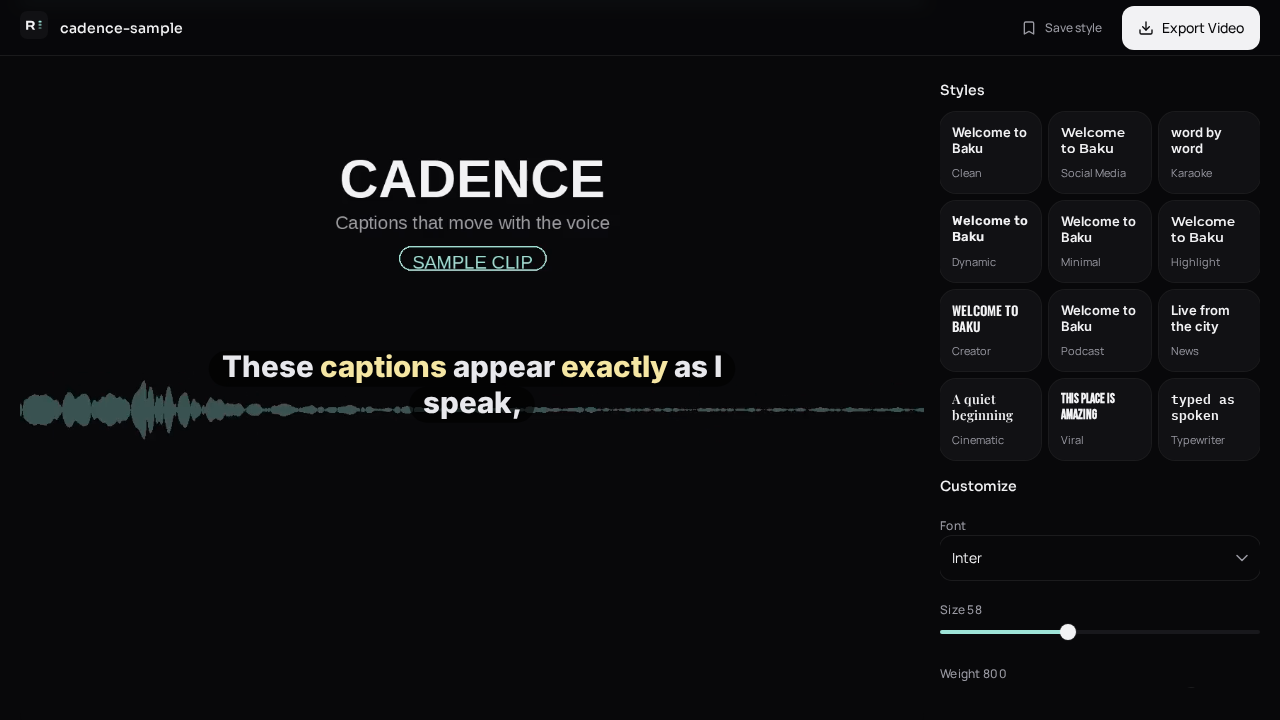
9:16 captions fail when they sit on a face, a product, or the platform’s own buttons. Captions for Instagram Reels, YouTube Shorts, and TikTok videos need a safe band — usually the lower-middle of the frame, not the very bottom.
A simple placement rule
- Keep captions in the center 70% of the width.
- Sit them around 28–38% up from the bottom (above username / like bar).
- Never cover eyes or a product you are selling.
- If the speaker is at the bottom of the shot, move captions to the upper third.
Platform notes
- TikTok: username, caption, and shop modules eat the bottom. Leave extra space.
- Reels: similar chrome plus stickers. Test on a phone, not only desktop.
- Shorts: slightly more vertical room, but subscribe prompts still cover the lower edge.
Caption-Lagao lets you resize and restyle after generation. Generate once, then nudge placement before you export the MP4.
Generate captions on your clip
Upload stays on this device. Export a burned-in MP4 and SRT with no watermark. No account required.