
Guides · Social
Free AI Social Media Caption Generator
Generate captions from the speech in a TikTok, Reel, or Short. Free AI social captions, word-timed and burned in, with no watermark and no account.
By Caption-Lagao · Updated 2026-09-28 · 6 min read
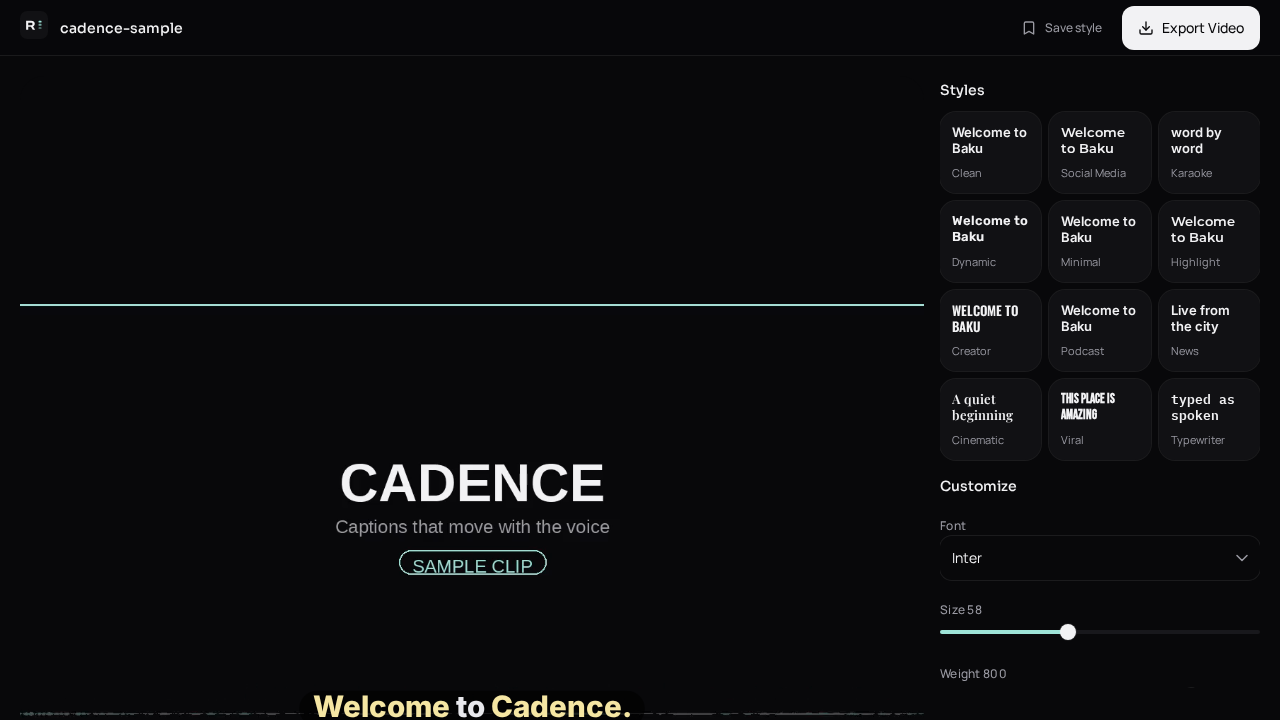
Search results for “social media caption generator” mix two different jobs. Some tools invent a witty line and a stack of hashtags for a photo. Others take a video you already shot and put the spoken words on screen. Caption-Lagao is the second kind. If the clip has a voice, the caption should be that voice, timed, and readable on mute.
What should a social caption generator actually do?
On TikTok, Reels, and Shorts the viewer decides in a second or two. Autoplay is often muted. A caption written after the joke, or a paragraph dumped at the bottom, misses the swipe. Word timing means each phrase appears with the voice. Burn-in means the text is pixels in the MP4, so it survives download, WhatsApp, and repost.
- Use the spoken words, not a made-up slogan.
- Keep two short lines, not a paragraph.
- Lift the block above the app’s buttons.
- Export MP4. Do not rely on the platform’s auto-captions.
How do I generate social captions from a video?
- Save the clip as MP4, MOV, or WEBM.
- Open Caption-Lagao and drop the file on Create.
- Generate captions. Read the draft on mute and fix names.
- Pick a style that stays readable at phone size.
- Export the burned-in MP4 and upload that file.
How is this different from a hashtag generator?
A writing tool such as a blog-caption or hashtag helper never hears your video. It cannot time “wait for it” to the cut. Use those tools for the post description if you want. Use a video caption generator for the words inside the frame. Roman Urdu stays available when the speech is Urdu or mixed.
Questions people ask
Does this write Instagram hashtags?
No. It transcribes speech that is already in the video and burns those words into the file.
Will the captions stay if someone reposts the video?
Yes, if you export the burned-in MP4. A separate subtitle file does not travel with a repost.
Is it free?
Yes. No account and no watermark on the export.
Which apps is this for?
TikTok, Instagram Reels, YouTube Shorts, and any place a muted vertical video autoplays.
Generate captions on your clip
Upload stays on this device. Export a burned-in MP4 and SRT with no watermark. No account required.