
Guides · Instagram
Free Instagram Caption Generator
Free Instagram caption generator for Reels. Burn the spoken words into a 9:16 video so mute viewers can read them. Not a hashtag writer.
By Caption-Lagao · Updated 2026-09-28 · 6 min read
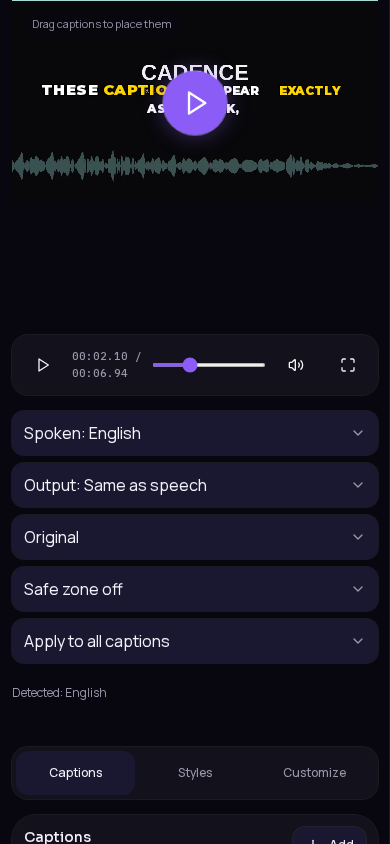
Instagram search mixes photo captions and video captions. A photo caption is the text under the picture. A Reel caption, for reach on mute, is text inside the video. If your Reel has a voice, the second one is what stops the scroll.
How do I caption an Instagram Reel?
- Export the Reel as a 9:16 MP4.
- Generate captions in Caption-Lagao.
- Set Roman Urdu if the speech is Urdu or mixed.
- Move the block up so Instagram’s buttons do not cover it.
- Upload the burned-in MP4. Skip a sidecar subtitle file.
What about hashtags and the description?
Write those yourself in Instagram. They are not timed to the voice, and they do not show while the Reel plays muted in the feed. Do not expect a video transcript to double as a witty description. One or two lines of description plus the burned-in video is enough.
Why do Instagram auto captions fail Urdu Reels?
Auto captions often guess Hindi and print Devanagari, or they translate the line into stiff English. Viewers who type Roman Urdu in comments cannot scan that quickly. Generate the script you actually want, burn it in, and turn Instagram’s own captions off so they do not repeat the line.
Questions people ask
Will this write my post description?
No. It captions the speech inside the video.
Should I also turn on Instagram’s auto captions?
Turn them off if you already burned captions in. Two sets of text is clutter.
Where should Reel captions sit?
Above the bottom bar, clear of the username, and off the face.
Can the captions be Roman Urdu?
Yes. That is the usual choice when the Reel is spoken in Urdu.
Generate captions on your clip
Upload stays on this device. Export a burned-in MP4 and SRT with no watermark. No account required.