
Guides · Export
How to Export Captions as MP4 and SRT
Export a free captioned MP4 with burned-in captions, plus an SRT file for YouTube. No watermark.
By Caption-Lagao · Updated 2026-09-03 · 3 min read
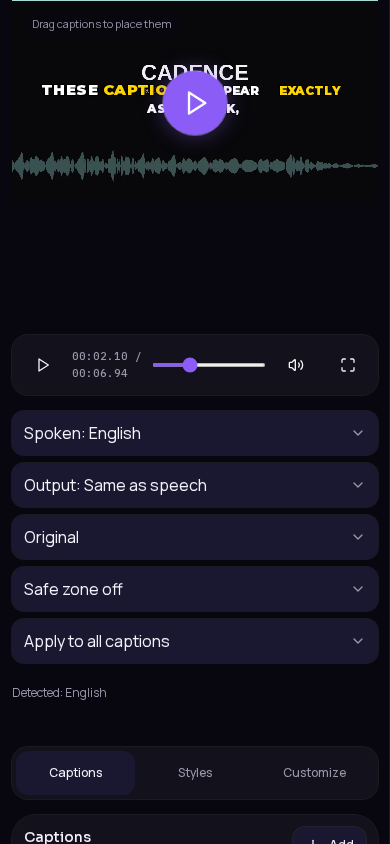
A free MP4 caption exporter burns the styled text into the video. An SRT file is a sidecar subtitle track. You usually want both: MP4 for Reels/TikTok, SRT for YouTube’s subtitle upload.
MP4 vs SRT
- MP4 (burn-in): captions are pixels in the video. They survive mute, reposts, and ads.
- SRT: a text file with timestamps. YouTube can toggle it. Reels and TikTok mostly ignore it.
Export from Caption-Lagao
- Finish styling in the editor.
- Open Export.
- Download the captioned MP4 for Instagram Reels, TikTok, and YouTube Shorts.
- Download SRT if you also want a YouTube subtitle track or a transcript archive.
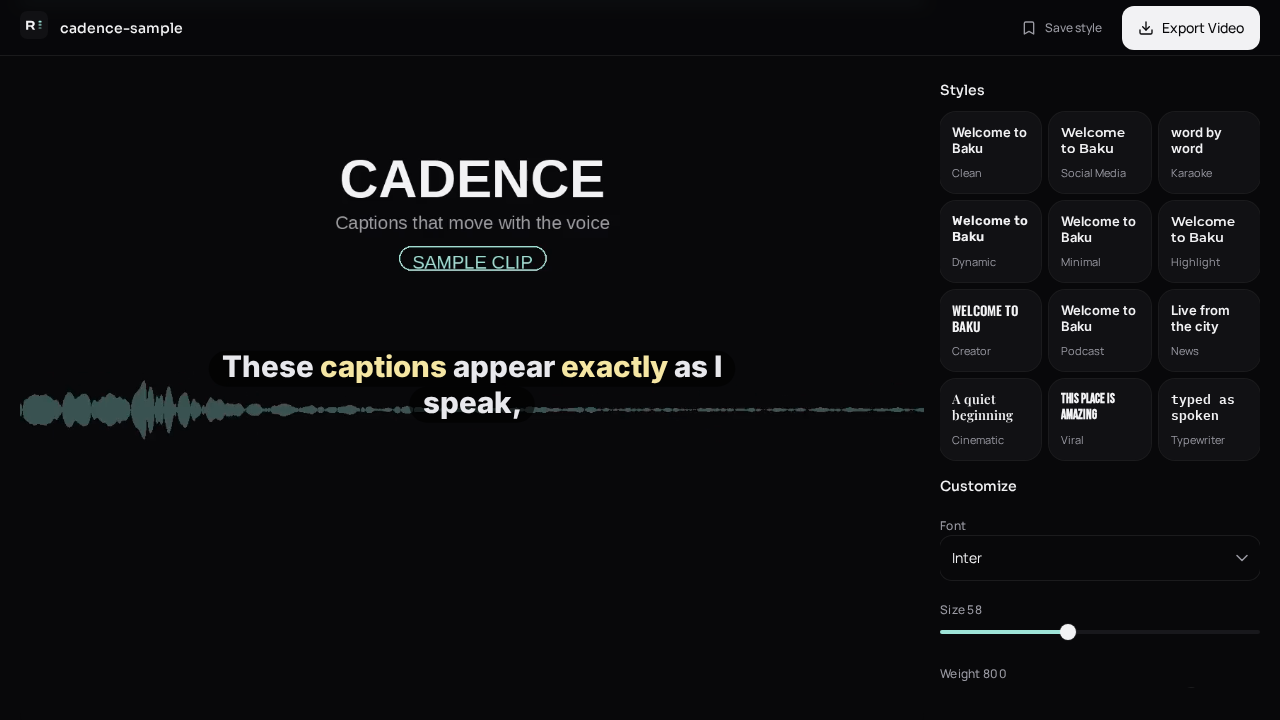
There is no watermark and no login wall. Video stays on your device; only audio is sent to generate captions.
Generate captions on your clip
Upload stays on this device. Export a burned-in MP4 and SRT with no watermark. No account required.