
Guides · Timing
How Word-Timed Captions Improve Short Videos
Why automatic word-timed subtitles retain viewers better than a delayed paragraph of captions.
By Caption-Lagao · Updated 2026-09-03 · 3 min read
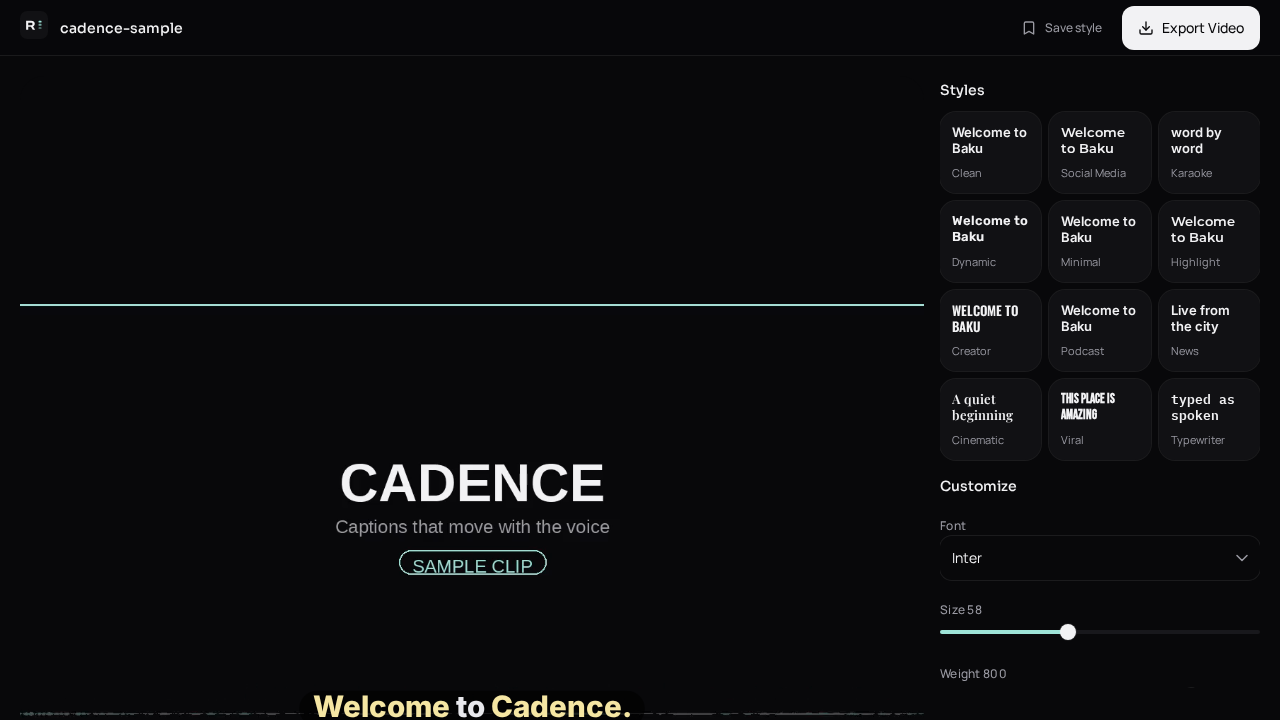
Automatic word-timed subtitles show each word as it is spoken. That is different from dumping a full sentence on screen two seconds late. On mute autoplay, late captions feel like a different video.
What word-timing actually does
- Each word has a start and end time from speech-to-text.
- Karaoke and highlighter styles can pulse the active word.
- Short lines replace long blocks, which is easier to read at 9:16.
- Viewers who cannot hear the audio still follow the joke or hook.
How to get them
- Upload a talking clip to Caption-Lagao.
- Generate captions — the pipeline writes timestamps with the transcript.
- Preview on mute. If a word feels late, edit that caption’s timing in the timeline.
- Export a burned-in MP4 so Instagram, TikTok, and YouTube do not replace your timing.
Caption-Lagao is a free AI video caption generator built around this timing model, including Roman Urdu.
Generate captions on your clip
Upload stays on this device. Export a burned-in MP4 and SRT with no watermark. No account required.