
Guides · How-to
Add Captions to Videos in Seconds
Add captions to short videos in seconds. Generate word-timed text from speech and burn it into an MP4 you can post on mute. Free, no watermark.
By Caption-Lagao · Updated 2026-09-28 · 6 min read
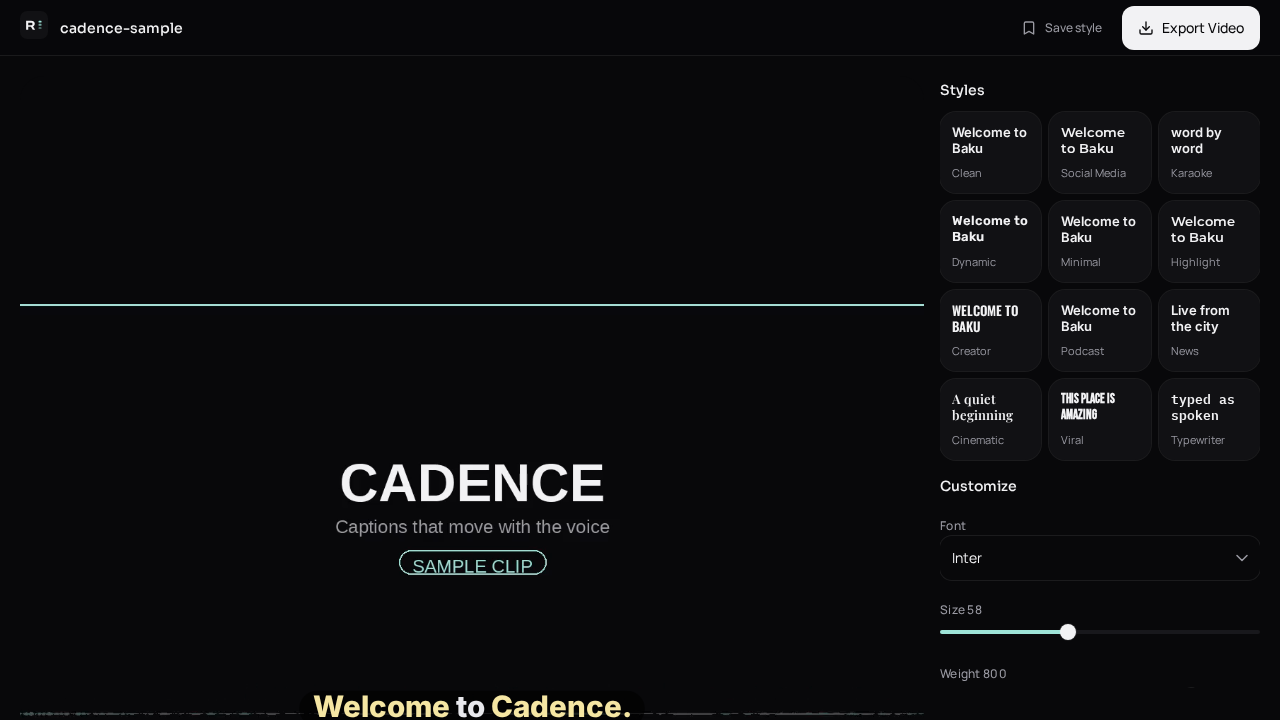
“In seconds” is real for the clips people actually post: a hook, a product, a joke, a reply. You should not be typing a transcript by hand, and you should not be waiting for a full cloud render before you can see the words.
What is the fast path?
- Export a finished MP4 from your camera roll or editor.
- Drop it on Create.
- Generate captions.
- Nudge position and fix one or two words.
- Download and upload to the app.
What slows a caption job down?
- A long file sent through on-device speech recognition.
- Extra rewrite passes after the transcript is already done.
- Re-exporting the video before you have read the text.
- Platform auto-captions you then have to download and fix anyway.
Caption-Lagao sends a normal-length video straight to speech recognition and caps the cleanup so a long clip does not sit in a second and third AI rewrite. You still get word times. You still edit before you post.
Is faster the same as finished?
No. Speed gets you a draft. The mute read is the quality step, and it takes less time than typing the line yourself. If the speech is Urdu, confirm the script is Roman Urdu before you upload to TikTok or Reels.
Questions people ask
Why is my video not instant?
Length. A 20-second Reel is quick. A long talking video has more audio to transcribe.
Do I type every word?
No. The first pass is automatic. You only fix mistakes.
Will captions cover the face?
Not if you move the block. Place it above the bottom buttons and away from eyes.
Can I post the file immediately?
Yes, after a mute read. Auto-captions still miss names.
Generate captions on your clip
Upload stays on this device. Export a burned-in MP4 and SRT with no watermark. No account required.