
Guides · How-to
Free Auto Caption Generator for Video
Free auto caption generator for video. Transcribe speech automatically, edit the draft, and download a captioned MP4 with no watermark.
By Caption-Lagao · Updated 2026-09-28 · 6 min read
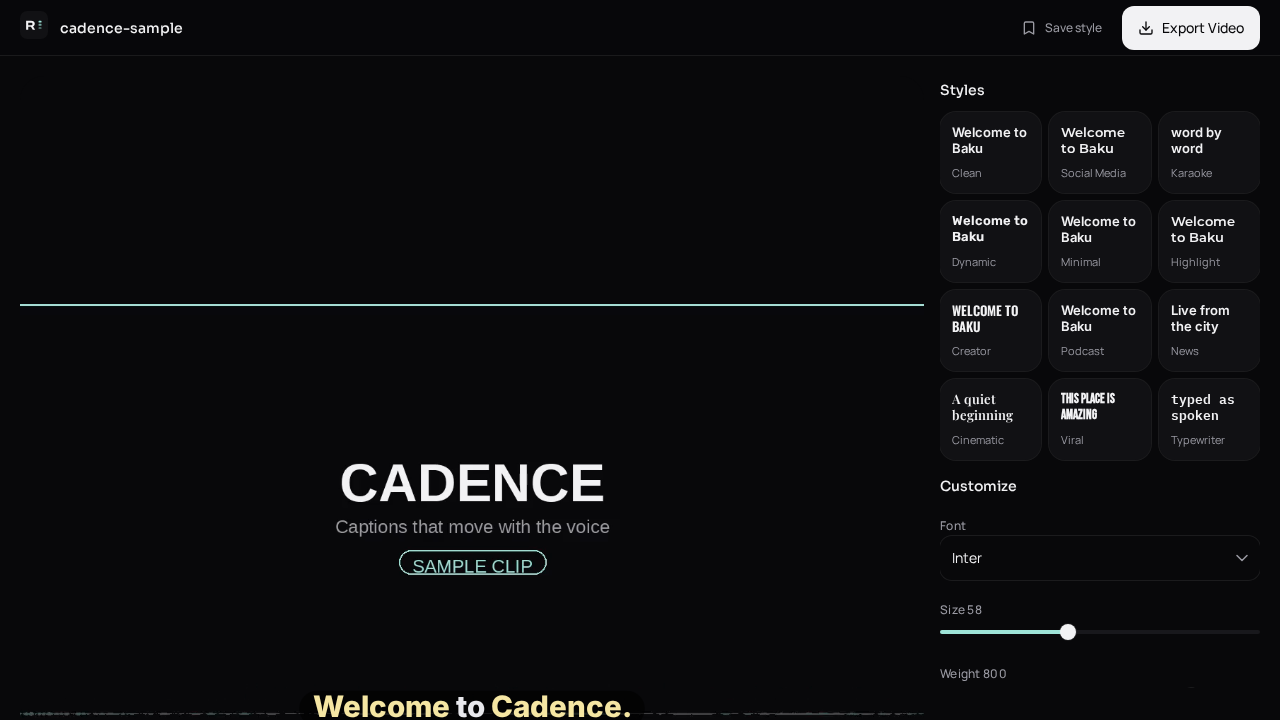
Auto caption is the default people want: drop a video, get words. The failure mode is trusting the first pass on a name, a price, or a language switch. Treat auto as the typist, not the editor.
How does automatic captioning work?
The audio is sent to speech recognition. Each word comes back with a start and an end. Those words are grouped into lines that fit a phone screen. You then style and export. If the recognition step is slow, it is usually a long file or a fallback that tries to run the whole transcript on the phone.
What should I check before I post?
- Names and brands.
- Numbers and prices.
- English words inside an Urdu sentence.
- Lines that cover the face or the product.
- The first two seconds, which carry the hook.
Auto captions vs platform auto captions
TikTok, Instagram, and YouTube can caption inside their apps. Those captions often use the wrong script for Urdu, sit under the buttons, and disappear when the video is saved. A burned-in file is yours. Generate it once and post the same MP4 everywhere.
Questions people ask
What does auto caption mean?
The words come from the audio. You review them instead of typing them.
Are auto captions always right?
No. Names, accents, and mixed languages need a human glance.
Can I auto caption without CapCut?
Yes. You do not need a second editor if the picture is already finished.
Does auto caption work offline?
Speech recognition uses a network request. The video itself stays on this device.
Generate captions on your clip
Upload stays on this device. Export a burned-in MP4 and SRT with no watermark. No account required.