
Guides · How-to
AI Caption Generator Online
Use a free AI caption generator online. Upload a video in the browser, get word-timed captions, edit them, and download MP4 or SRT. No install.
By Caption-Lagao · Updated 2026-09-28 · 6 min read
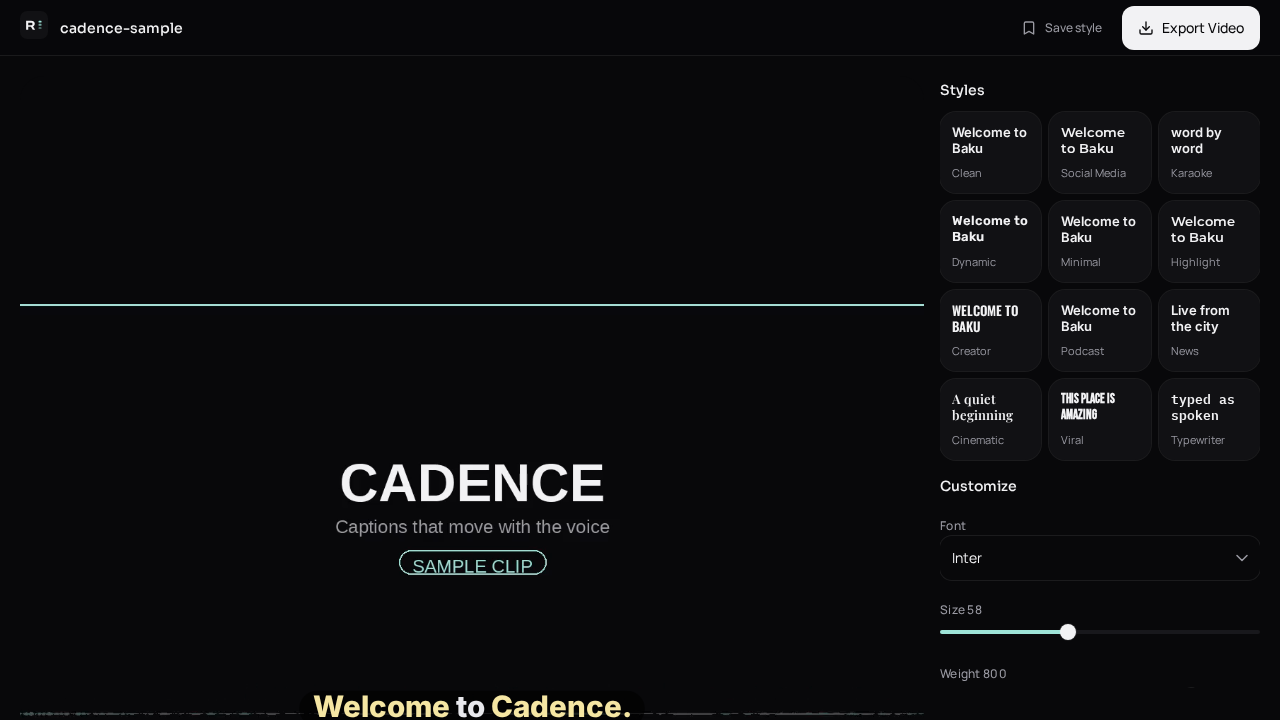
“Online” should mean you open a page and finish the job. A lot of caption sites still push you into an account wall, a watermark, or a desktop download after the preview looks done. The useful version is: drop the file, wait for words with times, fix the draft, export.
What happens after I upload?
- The clip is checked for an audio track.
- Speech is transcribed with a time for each word.
- Captions are split into short on-screen lines.
- You edit wording and style, then export.
Why do some online generators feel slow?
Long videos and extra rewrite passes take longer than a 15-second Reel. A short talking clip should come back as soon as the transcript is ready. If a tool re-encodes the whole timeline in the cloud before you can even read the words, you are waiting on export, not on captions. Caption-Lagao shows the words on your video first. Export is a separate step you start when the text is right.
Which languages can an online generator handle?
English is the easy case. Urdu, Hindi, and mixed speech are where auto-detect picks the wrong script. For Pakistani and diaspora clips, Roman Urdu — Latin letters, English words left in English — is usually what mute viewers can scan. Choose that output before you export.
Questions people ask
Do I need to install software?
No. It runs in the browser on desktop and phone.
Is the video uploaded to a social account?
No. You download the finished file and post it yourself.
How accurate is the first draft?
Good enough to edit, not good enough to post unread. Check names, numbers, and mixed Urdu–English lines.
Can I get both MP4 and SRT?
Yes. Burn-in is for mute social feeds. SRT is for a player that has a subtitle track.
Generate captions on your clip
Upload stays on this device. Export a burned-in MP4 and SRT with no watermark. No account required.