
Guides · Subtitles
Free Auto-Subtitle Generator
Free auto-subtitle generator for video. Create an SRT or burned-in subtitles from speech, edit the draft, and download. No watermark.
By Caption-Lagao · Updated 2026-09-28 · 6 min read
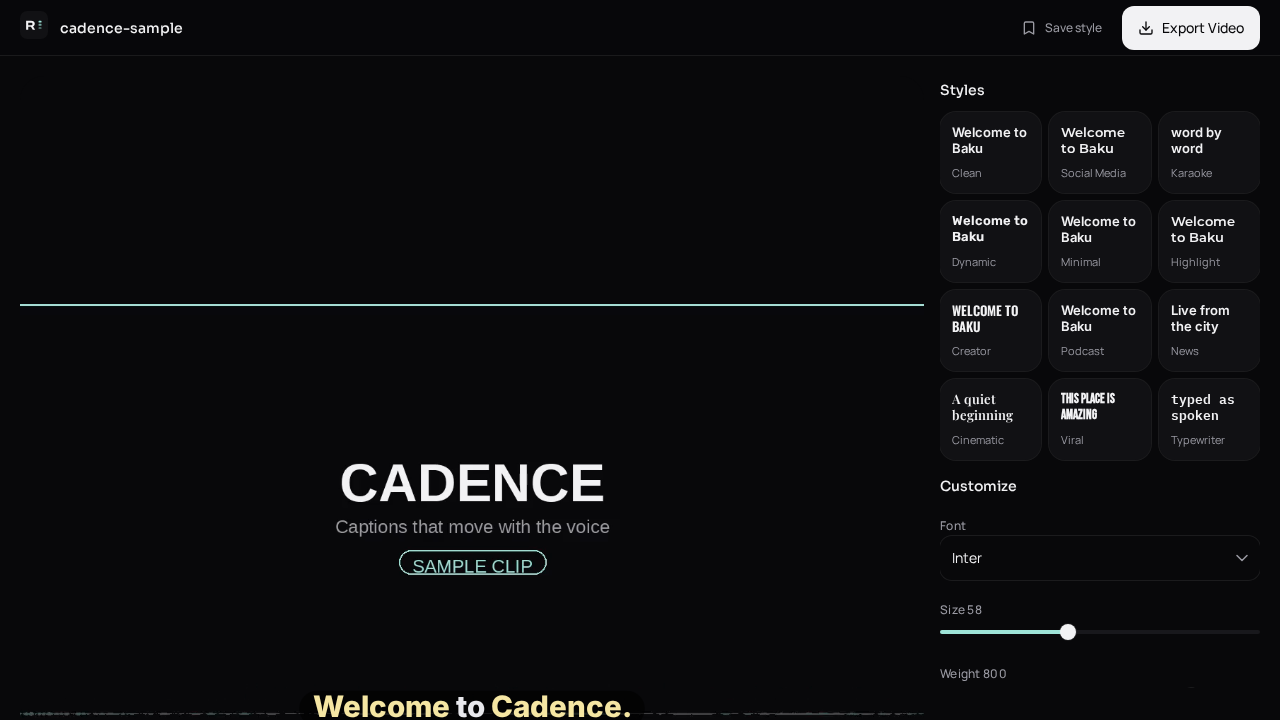
Subtitle tools advertise accuracy because that is the fear: you publish, and the line says the wrong city. Accuracy comes from clear audio plus an edit pass. No model is a substitute for reading the names.
When do I want a subtitle file?
- YouTube long-form, where viewers toggle CC.
- A course or website player with its own subtitle control.
- An editor that can import SRT onto a timeline.
- Not TikTok or Reels. Those need burn-in.
How do I generate subtitles?
- Upload the video.
- Generate the transcript.
- Fix lines that will be wrong out loud.
- Export SRT or VTT.
- Export MP4 as well if the same cut goes to social.
What hurts accuracy?
Music louder than the voice, two people talking at once, and a language switch the model was not told about. For Urdu, ask for Roman Urdu if the audience reads Latin letters. Devanagari on an Urdu video is a common auto-subtitle miss, not a small spelling error.
Questions people ask
Are subtitles and captions the same here?
The words are the same. Subtitles usually mean a separate file. Captions usually mean text burned into the picture.
How accurate is 99 percent in real clips?
Clean English studio audio can be close. Accents, noise, and mixed Urdu–English will not be. Always read the draft.
Which file should I give YouTube?
SRT for the watch page, and a burned-in MP4 if you also post a Short.
Is the generator free?
Yes. No watermark and no account.
Generate captions on your clip
Upload stays on this device. Export a burned-in MP4 and SRT with no watermark. No account required.