
Guides · YouTube
How to Caption YouTube Shorts in Urdu
Add Roman Urdu captions to YouTube Shorts for free. Burn word-timed text into a 9:16 MP4 and export SRT for the watch page, with no watermark on export.
By Caption-Lagao · Updated 2026-09-17 · 8 min read
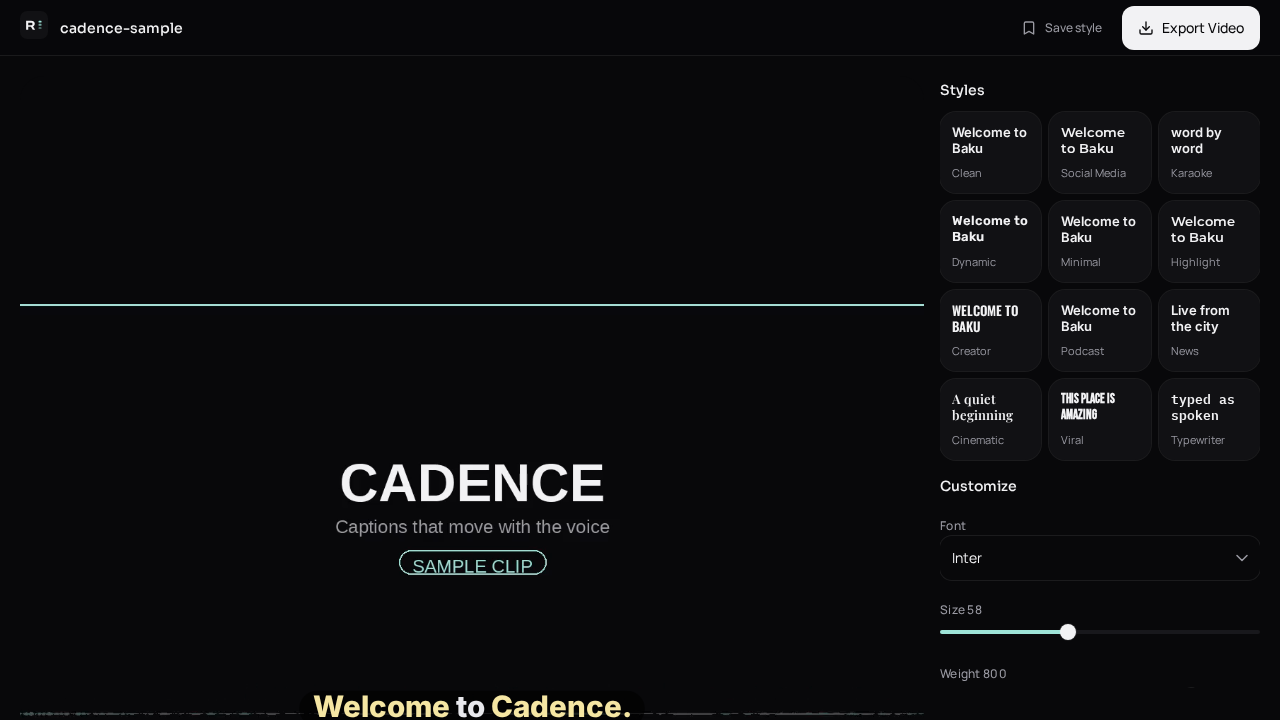
YouTube Shorts behave like TikTok in the feed: autoplay, often muted, nine-by-sixteen. If you speak Urdu, the hook has to be readable in one glance. That usually means Roman Urdu — Latin letters the way comments already look — timed to the voice and burned into the file. A subtitle track you hope someone will toggle is not a posting strategy for the Shorts shelf.
YouTube can auto-caption. That helps on a long watch page. It does not replace a posting file. Auto-captions are easy to miss in the Shorts shelf, they often pick the wrong script for Urdu speech, and they disappear if someone saves the video. This guide is the Shorts-specific path: generate Roman Urdu, place it, burn it in. For the general upload-to-export path see how to add captions to a video online.
Why do Shorts captions fail for Urdu speech?
Urdu and Hindi can sound almost the same. Models that guess “Hindi” write Devanagari. Models that guess “English” translate the line. Neither matches how Pakistani and diaspora viewers type under a Short. Roman Urdu keeps mixed lines honest: English brand names stay English, Urdu stays Latin, numbers stay digits. That is the same reason TikTok Pakistan already captions in chat-style Latin letters.
- Mute autoplay: if the first two seconds have no readable text, the swipe happens.
- Wrong script: Nastaliq is slow to scan at 9:16; Devanagari is the wrong audience.
- Late paragraphs: a full sentence dumped after the joke is not a caption, it is a spoiler.
- Platform chrome: subscribe, like, and title UI cover the bottom edge of the frame.
How do I caption a YouTube Short in Roman Urdu?
You caption a finished picture, not a draft with jump cuts still open. If you still need to trim or grade, do that in your editor first, export MP4, then caption. Caption-Lagao does not recut the video.
- Export or save the Short as MP4, MOV, or WEBM from YouTube Studio, CapCut, or your camera roll.
- Open Caption-Lagao and drop the file on Create. The video stays on this device.
- Set spoken language to Mixed or Urdu, and caption output to Roman Urdu.
- Tap Generate captions. Wait for word timestamps — each word should land with the voice.
- Read the draft on mute. Fix names, cities, and English slang. Split lines that wrap past two rows.
- Set the canvas to 9:16. Lift captions above the lower ~18% of the frame.
- Export a burned-in MP4. If you also have a long-form cut, export SRT from the same project.
Guys aaj Short simple hai
caption lagao, swipe mat karo
follow for the full video
Should I use burn-in or SRT for YouTube?
Use both when the edit lives in two places. Shorts need pixels in the picture. The long watch page can use an SRT track so viewers can toggle language and so search can index the words. Karaoke fill and poster stacks only exist in the MP4. SRT carries text and times, not colour. If you only post the Short, skip the SRT and spend the extra minute on placement.
- Shorts feed: burned-in MP4. Do not rely on CC.
- Long-form watch page: upload SRT in YouTube Studio → Subtitles.
- WhatsApp or Instagram reposts of the Short: only burn-in travels.
What if YouTube also offers auto-captions on the Short?
Turn them off in the post if you already burned text in. Two layers of the same line — one in Roman Urdu, one in whatever YouTube guessed — look like a broken dual-sub. YouTube’s track is still useful on a long video that has no burn-in.
Where should captions sit on a 9:16 Short?
Lower-middle, not the bottom edge. Leave the title, like, and subscribe cluster empty. Keep type off eyes and off a product you are holding. If the speaker sits low in the frame, move the block to the upper third for that shot only — do not leave a global bottom default if the face is there. The placement guide for 9:16 videos walks through Reels and TikTok chrome as well.
What should I check before I upload?
Preview on mute, on a phone-sized frame. If a word feels late, drag it on the timeline — do not re-upload. Keep brand names in English. Do not transliterate “YouTube”, “Shorts”, or a product name into Urdu spelling unless you actually said it that way. If a city or a guest name is wrong, that is an edit, not a new generate.
Caption-Lagao does not post to YouTube for you and does not add a watermark. Download the file, then upload it as the Short. This flow captions speech already on the file. It does not write a title, hashtags, or a thumbnail. Generate the captions, then finish the YouTube packaging in Studio.
How is this different from YouTube auto-captions?
Auto-captions are a player feature. They help accessibility on the watch page when the viewer turns CC on. They are not styled, they are not reliably Roman Urdu, and they are not in the file a saver downloads. Caption-Lagao is a posting tool: you choose the script, the style, and the burn-in. The comparison with in-app auto-captions is the same idea across TikTok and Reels.
Can I use one captioned file on Shorts, Reels, and TikTok?
Often yes, if the frame is already 9:16 and you did not bake YouTube’s own UI into the picture. Recheck the lower safe zone per app — TikTok’s username and shop modules sit a little higher. Do not recaption a downloaded Short that already has YouTube buttons in the pixels. Caption the original edit.
If the talking is Urdu, keep output on Roman Urdu for all three apps unless a specific audience asked for Nastaliq. English-only Shorts can stay in English — do not force Roman Urdu onto a clip that was never Urdu.
Questions people ask
Should YouTube Shorts use SRT or burned-in captions?
Burn-in. Shorts in the feed often play muted and viewers rarely open CC. Use SRT as well if the same edit goes on a long-form watch page.
Will YouTube auto-captions write Roman Urdu?
Usually not reliably. Auto-detect often lands on Hindi Devanagari or a stiff English translation. Generate Roman Urdu yourself, then burn it in.
Do I need a YouTube account in Caption-Lagao?
No. Caption-Lagao does not sign into YouTube. You download the MP4 (and optional SRT) and upload them in YouTube Studio yourself.
Where should Shorts captions sit?
Lower-middle of the 9:16 frame — high enough to clear subscribe prompts and the title bar, not covering eyes or a product.
Can I reuse the same captioned file on TikTok?
Yes, if the picture is already 9:16. Recheck the lower band: TikTok’s username bar sits a little higher than YouTube’s Shorts chrome.
Generate captions on your clip
Upload stays on this device. Export a burned-in MP4 and SRT with no watermark. No account required.